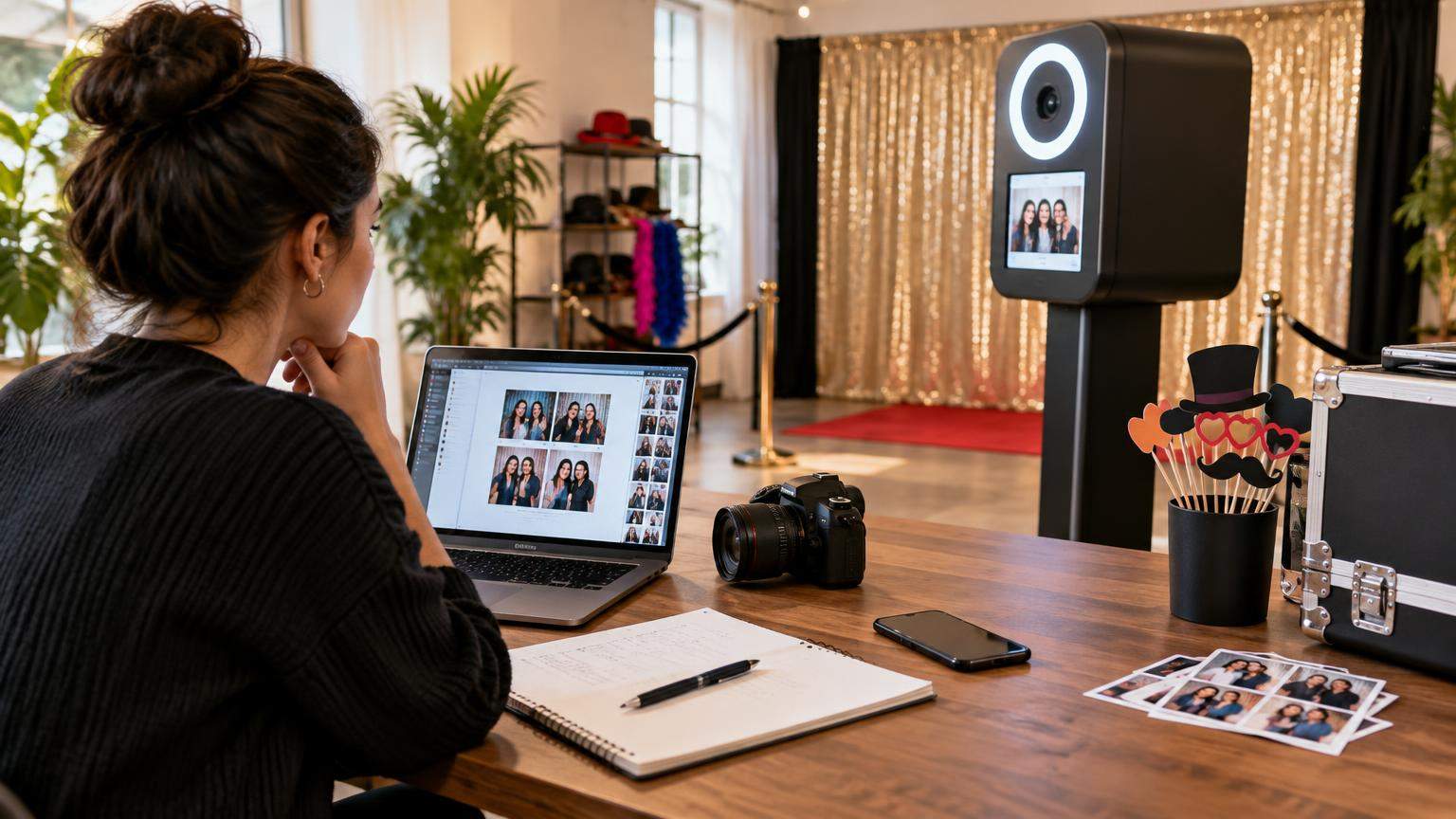

Starting a modern events brand is much more achievable than opening a full photography studio, which is why many creatives ask how to start a photo booth business with realistic costs and a clear path to first bookings. This guide walks you through business models, essential equipment, startup budgets, pricing maths, legal basics, marketing and a 30‑day launch plan so you can build a practical, sustainable operation rather than chasing hype.
1. Is starting a photo booth business worthwhile in 2026?
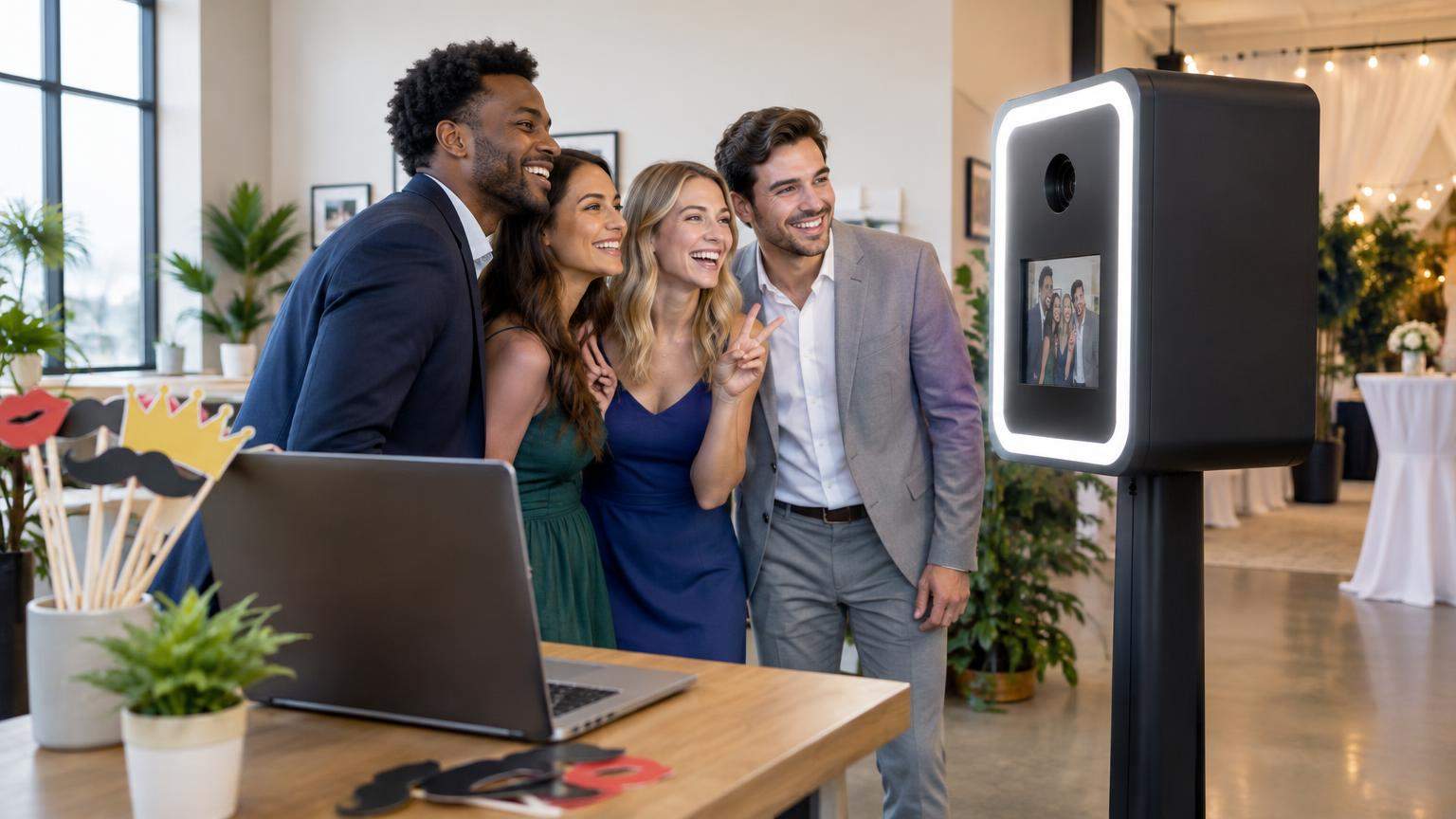
Photo booths have become a standard feature at weddings, corporate events, malls and brand activations. The market is established and competitive, but there is still room for well‑run, niche‑focused operators who deliver reliable service and distinctive experiences.
Rather than treating a booth as a get‑rich‑quick idea, think of it as an events service business with four key characteristics:
- Moderate startup costs: A lean iPad‑based booth can be built with far less investment than a full photography studio, while premium DSLR or 360 rigs require more capital.
- Variable income: Revenue depends on local demand, seasonality (wedding seasons, festivals, corporate calendars) and your marketing. There are no guaranteed bookings.
- Operational work: You will spend time on logistics, driving, setup, guest management, and post‑event delivery—not just pressing a shutter.
- Upgradable: You can start with one booth type and later add printing, 360 video or AI effects as your cash flow and skills grow.
In 2026 the main shifts are on the technology side:
- iPad and tablet booths are increasingly popular because good tablets can handle image capture, live view and sharing in one device, with dedicated apps for templating and branding.[2][7]
- AI‑enhanced experiences (for example, AI backgrounds or stylised portraits) are being marketed as premium add‑ons by several software providers.[1][3][4]
- 360 video booths remain attractive for brand activations but demand better safety management, power and floor space than a simple photo kiosk.[3]
If you approach the business with realistic expectations, an understanding of local demand and conservative budgeting, it can become a solid side business or, in time, a full‑time service.
2. Business models and booth types in 2026
Different booth types suit different budgets, skills and target clients. You do not have to start with every option.
2.1 Digital (no‑printer) photo booths
These use an iPad or camera to capture photos, GIFs or short clips and deliver them digitally via QR code, email or messaging apps.
- Pros: Lower cost (no dye‑sublimation printer), lightweight, quick setup, strong for social sharing and lead capture.
- Cons: Some guests still expect prints; you rely on stable software and sometimes internet connectivity.
- Best for: Birthday parties, corporate activations where social sharing is key, venues with tight space or power limits.
2.2 DSLR / mirrorless printing booths
These pair a DSLR or mirrorless camera with a flash, controlled by a laptop or small PC, plus a dye‑sublimation printer for instant prints.
- Pros: Better image quality and low‑light performance than iPad‑only rigs, especially in dim venues; professional‑looking prints; more control over lenses and flashes.[2][6]
- Cons: Heavier, more cables, more complex to set up and transport; higher initial investment.
- Best for: Weddings, formal events, corporate award nights where high‑quality prints are expected.
2.3 360 video booths
A 360 booth usually places a guest on a platform while a camera rotates around them capturing slow‑motion video. Specialised apps handle recording, effects and sharing.[3]
- Pros: High “wow” factor, strong for brand activations and social media; can command higher package prices.
- Cons: Higher cost, moving parts, stricter safety and liability concerns (platform stability, crowd control), more floor space and power.
- Best for: Corporate activations, product launches, high‑budget parties.
2.4 AI photo booths
AI‑driven experiences use software to replace backgrounds, transform outfits, or stylise portraits (for example, turning guests into comic‑style characters). Comparisons of modern apps highlight AI backgrounds and filters as growing features in 2025–2026.[1][3][4]
- Pros: Differentiation from standard booths, attractive for tech‑savvy audiences and marketing campaigns.
- Cons: Typically need more powerful devices, solid internet for cloud processing in some apps, plus careful handling of privacy and guest consent.
- Best for: Corporate brand activations, youth‑focused events, malls or festivals.
2.5 Permanent kiosks and self‑service installs
Permanent booths live in a mall, hotel lobby, tourist attraction or bar as unattended or semi‑attended kiosks.
- Pros: Potential recurring revenue, brand visibility, upsell options (print sizes, souvenirs).
- Cons: Requires a strong location partnership, more robust enclosures, better security, remote monitoring, and local permits or agreements.
- Best for: Operators with one or more mobile booths already running and strong relationships with venues.
| Booth type | Typical starter budget | Complexity | Prints needed? | Staffing |
|---|---|---|---|---|
| Digital iPad booth | Low to moderate | Low | Optional | Can be self‑service at some events |
| DSLR printing booth | Moderate | Medium | Yes, core feature | Usually needs an attendant |
| 360 video booth | High | High | No, focuses on clips | Attendant + helper recommended |
| AI photo booth add‑on | Software‑driven (varies) | Medium | Optional | Attendant or kiosk |
| Permanent kiosk | High (hardware + build) | High | Usually yes | Mostly unattended; remote monitoring |
3. Local market research, competitors and target customers

Before buying gear, validate that people in your area actually want the service you plan to offer.
3.1 Map your local event ecosystem
Make a list of:
-
- Wedding venues and planners
- Corporate hubs and MICE hotels
- Popular birthday/celebration venues and party planners
- Colleges and schools that host festivals and annual days
Search online directories and social media for “photo booth” plus your city name. Note which booth types local competitors offer and what markets they focus on (weddings only, corporate, birthdays, malls, etc.).
3.2 Analyse competitors without copying them
For each competitor, note:
- Booth types and packages (hours included, prints, sharing options)
- Visual quality of examples (backdrops, lighting, templates)
- Average review score (if available)
- Stated price ranges, where visible
This helps you identify gaps, such as:
- Few or no 360 booths in your city
- Very few providers targeting kids’ parties or college events
- Excellent high‑end booths but little coverage for budget events
3.3 Choose a starting niche
You do not need to serve everyone on day one. Consider niches like:
- Wedding specialist: DSLR booth with prints, guest book, high‑quality templates.
- Birthday & kids’ parties: Colourful digital booth with props and instant sharing.
- Corporate & brand activations: Data capture, branded AI filters, and 360 video.
- College & youth events: GIFs, boomerangs, AR filters and social‑media‑ready content.
Your chosen niche will shape your equipment choices, branding, and pricing.
4. Essential equipment checklist
Your exact kit will depend on your booth type, but every photo booth business relies on a few core categories.
4.1 Capture devices
- DSLR or mirrorless camera: Major brands like Canon, Nikon and Sony dominate event photography, offering strong autofocus and low‑light performance, which is valuable for booths.[6]
- Tablet (often iPad): Popular for lightweight booths; newer iPads pair well with specialist apps.[2][7]
- 360 camera or action camera: Used on rotating arms for 360 rigs; choose models that integrate with 360 apps or offer high frame rates for slow‑motion.[3]
4.2 Lighting
Consistent, flattering light matters more than the latest camera body.
- Ring light or LED panel for iPad booths.
- Softbox or umbrella flash for DSLR booths.
- Extra ambient lighting for 360 platforms so videos look clean and vibrant.
4.3 Printers
For events, dye‑sublimation printers are widely favoured because they produce durable prints quickly and predictably. Operators often choose DNP‑branded printers and pair them with event software using print servers or drivers suitable for live printing.[8]
Inkjet printers are usually slower and less predictable with per‑print costs, so they tend to be a fallback rather than a core event printer.
4.4 Software and control devices
You will typically need:
- A laptop or mini PC for DSLR‑based booths.
- A compatible iPad or tablet for iPad‑first apps.[2][7]
- Photo booth software to control sessions, layouts, countdowns, effects, printing and sharing (covered in Section 5).
4.5 Power and connectivity
- Reliable extension boards with surge protection.
- Uninterruptible power supply (UPS) for your computer and printer, where practical.
- A mobile hotspot or SIM‑enabled tablet for online sharing; your apps should still work offline and sync later where possible.
4.6 Transport and booth structure
- Sturdy stand or shell for your iPad/camera.
- A compact backdrop stand and a few versatile backdrops.
- Road‑worthy cases or bags with padding for camera, printer and lighting.
- Cable management (gaffer tape, cable covers) to prevent trip hazards.
4.7 Spares and backups
- Spare cables (USB, power), memory cards and printer media.
- At least one backup capture device (older iPad or camera body) as budget allows.
- Printed checklist for setup and teardown.
Before purchasing equipment, beginners should understand how cameras, lighting, printers and backdrops work together. Read our complete photo booth setup guide for additional practical tips on choosing equipment and preparing a reliable event setup.
5. Photo booth software: compatibility, licensing and reliability
Photo booth software is the brain of your system. It runs the session flow, applies templates, controls printing, and manages sharing.
5.1 Matching software to your booth type
Independent comparisons show that different tools specialise in different booth types:[1][3][4][5]
- DSLR / mirrorless booths (Windows/macOS): Options highlighted in 2026 round‑ups include dslrBooth, LumaBooth (with DSLR integration), Darkroom Booth and Photo Booth Upload.[1][4]
- iPad booths: Apps like Simple Booth, Snappic, LumaBooth for iPad and other dedicated iPad solutions are designed specifically around the iPad camera and iOS ecosystem.[1][5][7]
- 360 booths: Software such as Touchpix is noted for strong 360 and video features, with support for multiple platforms including mobile operating systems.[1][3]
- AI features: Several modern apps now offer AI background removal, AI scenes or stylised portraits as part of their paid plans.[1][3][4]
5.2 Licensing and subscriptions
Common patterns in 2026 software offerings include:[1][4][5]
- Per‑device licensing: Most commercial apps charge per device or booth, often monthly or annually.
- Event or credit‑based plans: Some charge based on the number of events or exported projects.
- Free trials with watermarks: Trials are useful for testing but usually place a visible watermark on photos or limit sessions, which is not acceptable for paid events.[5]
- Higher‑tier plans for AI or multi‑booth use: Plans that include AI rendering, advanced analytics or multiple concurrent booths typically cost more.[1][4]
Always verify current pricing and plan terms on the official software website before budgeting.
5.3 Reliability and data handling
When choosing software, consider:
- Offline capability: Your booth should still capture photos if the internet drops, syncing shares later.
- Local saving: Ensure that high‑resolution files are saved locally (laptop, iPad storage or attached drive), not only in the cloud.
- Data control: Check how guest email addresses and phone numbers are stored, and how you can delete them on request.
- Regular updates: Active development and support channels indicate better long‑term reliability.
6. Startup budget: lean, standard and premium setups
Exact prices vary widely by country and over time, so treat the following as structural guidance, not quotes. Always check current local retail prices or used‑gear markets.
6.1 Cost categories
Break your budget into:
- One‑time purchases: Camera/tablet, printer, lights, stands, cases, backdrops, initial props.
- Recurring subscriptions: Photo booth software, design tools, cloud storage, website hosting.
- Per‑event costs: Printer media, fuel or rides, parking, assistants’ wages, venue‑specific fees.
- Optional upgrades: Extra backdrops, premium props, upgraded lenses, AI add‑on subscriptions.
6.2 Example configuration tiers (structure only)
| Tier | Booth style | Key gear | Best for |
|---|---|---|---|
| Lean | Digital iPad booth | Used or mid‑range iPad, ring light, basic stand, entry‑level software plan, simple backdrop | Testing the market, birthdays, small events |
| Standard | DSLR + printer booth | Mid‑range DSLR/mirrorless, dye‑sub printer, laptop, reliable software, better lighting & backdrops | Weddings and corporate events |
| Premium | DSLR + printer + 360 or AI | High‑end camera and lenses, 360 platform or advanced AI features, multiple backdrops, branding assets | High‑budget weddings, brand activations, malls |
When planning, build a spreadsheet listing each item, its estimated cost in your local currency, and whether it is essential or optional for launch. Trim optional items until your budget is manageable.
7. Package pricing, operating expenses and break‑even
To price your services sustainably, you need to understand three concepts:
- Variable (per‑event) costs: E.g. printer media, travel, assistant wages.
- Fixed costs: E.g. software subscriptions, insurance, website hosting, equipment depreciation.
- Contribution margin: Package price minus variable cost for that booking.
7.1 Estimating a package price
For each package (say, 3‑hour wedding booth), outline:
- What is included: hours, prints, backdrop options, sharing methods, guest book, props.
- Expected variable costs per event.
- Desired contribution margin per event, before fixed costs.
If your variable cost per event is, hypothetically, ₹2,500 and you want at least ₹7,500 contribution to cover fixed costs and profit, your target package price would be around ₹10,000. This is only valid if your local market will bear that price—compare with competitor packages and adjust accordingly.
Setting competitive rental prices requires understanding what customers receive in different packages. Explore our photo booth pricing and packages guide to see common rental options and included services. Use it as background information, and verify current prices in your local market before preparing quotations.
7.2 Break‑even bookings
- Estimate your monthly fixed costs (software, insurance, website, part of equipment cost, storage, etc.).
- Estimate your average contribution margin per booking.
- Break‑even bookings per month = Fixed costs ÷ Contribution margin per booking.
This helps you see whether your target number of bookings is realistic in your area.
8. Financial examples (hypothetical)
These examples are simplified and use Indian Rupees (₹) for illustration. They are not predictions; your figures must be based on your actual costs and local demand.
Example A: Lean digital iPad booth
Assumptions (hypothetical):
- Booth type: iPad‑only, digital sharing, no prints.
- Target market: birthday parties and small events.
- Average package: 2 hours, digital delivery, ₹6,000 per event.
- Monthly fixed costs: software ₹2,000; website/hosting ₹500; basic insurance/overheads ₹1,500 → total ₹4,000.
- Variable cost per event: transport ₹600; props/consumables allowance ₹200 → total ₹800.
Contribution margin:
- Revenue per event: ₹6,000
- Variable costs: ₹800
- Contribution margin: ₹5,200 per event
Break‑even bookings per month:
- Fixed costs: ₹4,000
- Contribution margin per event: ₹5,200
- Break‑even ≈ 4,000 ÷ 5,200 ≈ 0.77 → at least 1 booking per month to cover fixed costs (before paying yourself or repaying equipment).
This looks comfortable, but remember that this does not include recovering your initial equipment investment.
Example B: Standard DSLR printing booth
Assumptions (hypothetical):
- Booth type: DSLR + dye‑sub printer.
- Target market: weddings and corporate events.
- Average package: 3 hours, unlimited 4×6 prints, ₹14,000 per event.
- Monthly fixed costs: software ₹3,000; website/hosting ₹500; insurance and storage ₹2,500; equipment depreciation ₹4,000 → total ₹10,000.
- Variable cost per event: printer media ₹1,600; assistant ₹1,000; transport ₹900 → total ₹3,500.
Contribution margin:
- Revenue per event: ₹14,000
- Variable costs: ₹3,500
- Contribution margin: ₹10,500 per event
Break‑even bookings per month:
- Fixed costs: ₹10,000
- Contribution margin per event: ₹10,500
- Break‑even ≈ 10,000 ÷ 10,500 ≈ 0.95 → at least 1 booking per month to cover fixed costs (excluding your own salary and growth).
Example C: 360 video booth add‑on
Assumptions (hypothetical):
- Booth type: 360 platform with slow‑motion clips.
- Target market: corporate activations.
- Average package: 4 hours, branded overlays, ₹28,000 per event.
- Monthly fixed costs: software with 360/AI features ₹6,000; website/hosting ₹500; insurance and storage ₹3,500; equipment depreciation ₹6,000 → total ₹16,000.
- Variable cost per event: assistant and safety marshal ₹2,500; transport and heavy gear handling ₹1,500; marketing/agency commission per job ₹3,000 → total ₹7,000.
Contribution margin:
- Revenue per event: ₹28,000
- Variable costs: ₹7,000
- Contribution margin: ₹21,000 per event
Break‑even bookings per month:
- Fixed costs: ₹16,000
- Contribution margin per event: ₹21,000
- Break‑even ≈ 16,000 ÷ 21,000 ≈ 0.76 → at least 1 booking per month to cover fixed costs (equipment repayment excluded).
These examples highlight that even one or two good bookings per month can cover typical fixed costs, but you still need to recover your initial gear investment and pay yourself. Run your own numbers conservatively.
9. Business registration, insurance, contracts and privacy
Legal and compliance requirements depend heavily on your country and sometimes your state or city. The following high‑level guidance is particularly relevant for Indian readers but should be adapted with professional advice in any jurisdiction.
9.1 Business registration in India (high‑level)
Many solo operators start as a sole proprietorship. A 2025 overview explains that a sole proprietorship in India is not a separate legal entity; the proprietor and the business are the same person for tax and liability, though registrations such as GST or local Shops and Establishments may be required depending on activities and turnover.[9]
For small service businesses, you may optionally obtain Udyam Registration under the Micro, Small and Medium Enterprises Development (MSMED) Act to be recognised as an MSME. Udyam registration is an online, largely self‑declaration‑based system introduced in 2020 for classifying MSMEs, and it uses PAN‑ and GST‑linked information to determine investment and turnover.[10]
Because rules and thresholds change over time, discuss the right structure (sole proprietorship, partnership, LLP or company) with a chartered accountant or company secretary.
9.2 Insurance and venue requirements
Venues—especially hotels and corporate sites—may require:
- Public liability insurance to cover injury or property damage linked to your equipment (for example, someone tripping over a cable or falling from a 360 platform).
- Equipment insurance to protect your gear against theft or accidental damage.
Check typical insurance products for small event businesses in your country and confirm venue requirements before each event.
9.3 Written agreements, deposits and cancellations
Use a written agreement for every booking, covering at minimum:
- Event date, time, venue, and access details.
- Package details (hours, prints, backdrop, templates, sharing options).
- Fee, deposit amount and due date.
- Cancellation and rescheduling policy (deadlines and any non‑refundable amounts).
- Venue responsibilities (power sockets, space, shade, Wi‑Fi if required).
- Liability limitations and force majeure clauses, drafted or reviewed by a legal professional.
It is common in events industries to require a non‑refundable booking fee or deposit, with the balance due before the event. Ensure your deposit and cancellation terms comply with local consumer‑protection laws.
9.4 Guest privacy and data
Guest photos, email addresses and phone numbers are personal data in most jurisdictions. General good practice includes:
- Clear signage at the booth explaining that photos will be taken and how they will be used.
- Separate, explicit consent if you want to use guest images in your own marketing or on social media, beyond the host’s private album.
- Separate consent (opt‑in) for marketing communications if you collect emails for newsletters.
- Secure storage of images and contact data, with retention limits and a simple way for hosts to request deletion after the event.
Local data‑protection laws—such as India’s Digital Personal Data Protection Act or the EU’s GDPR—may impose specific obligations. Consult a local lawyer or compliance adviser for jurisdiction‑specific requirements.
10. Website, portfolio, Google Business Profile and local SEO
A strong online presence helps potential clients find and trust you.
10.1 Basic website essentials
Your site does not need to be complex. At launch, aim for:
- A clear home page explaining what type of booths you offer and for whom.
- A gallery page with your best event photos and template designs.
- A packages or pricing page with clear inclusions, even if you ask visitors to request a custom quote.
- A contact form and WhatsApp/phone information.
- Fast loading on mobile devices.
You can build this with many website builders; just ensure you control your own domain name.</n
10.2 Portfolio building
If you do not yet have real events to show, consider:
- Staged shoots with friends or models using your real booth setup.
- Test events at family functions, charging only your hard costs in exchange for permission to use photos.
- High‑quality mock‑ups of your templates and prints.
Replace staged work with real event images as soon as you can.
10.3 Google Business Profile and local search
Mobile photo booth businesses typically serve clients at their venues, like wedding halls and hotels. This is often treated as a “service‑area business” in local‑search platforms.
Good practice includes:
- Registering your business with accurate details and service areas, following the current platform guidelines in your country.
- Using a real physical address for verification (which you may be able to hide from public maps depending on rules).
- Uploading high‑quality photos of your booth setup and events (with permission).
- Encouraging happy clients to leave honest reviews.
Search‑platform eligibility and rules can change, so always check current official guidance when you register.
11. Getting your first five bookings
Your first bookings will often come from personal networks and local partners, not ads.
11.1 Warm network outreach
- Tell friends, family and colleagues you are launching a booth business.
- Offer a limited number of discounted “portfolio‑builder” events in exchange for permission to use photos and obtain testimonials.
- Ask early clients for referrals to others planning events.
11.2 Vendor partnerships
Build relationships with:
- Wedding planners and event managers.
- Banquet hall and hotel sales teams.
- Birthday planners and decorators.
Offer to set up a demo booth at their open days or vendor showcases. Prepare printed handouts or a simple rate card they can share with clients.
11.3 Ethical social media marketing
- Post behind‑the‑scenes clips, templates and guest reactions (with consent).
- Use location tags and event‑related hashtags.
- Avoid over‑editing or misrepresenting what your booth can actually deliver live.
- Respond promptly to direct messages with clear pricing and next steps.
11.4 Handling leads professionally
Create a simple lead‑handling workflow:
- Receive enquiry (form, message or call).
- Send a clear response within 24 hours with availability, indicative pricing and a link to your portfolio.
- Offer a short call to clarify event details.
- Send a written quote and agreement.
- Confirm booking once deposit and signed agreement are received.
Consistent, professional communication often matters as much as pricing.
12. Event‑day operations: from setup to delivery
Smooth event‑day operations turn one booking into multiple referrals.
12.1 Pre‑event testing
Before leaving for the event:
- Test the entire workflow at home: capture, template, print and share.
- Check that all devices are charged.
- Pack using a checklist so nothing is forgotten.
- Carry a backup of your software licence/activation details and design files on a USB drive or cloud folder.
12.2 Setup on site
Arrive early (often 60–90 minutes before go‑live for standard booths, more for 360 rigs). On site:
- Confirm the booth position with the organiser and venue, ensuring power access and safe guest flow.
- Set up backdrop, lighting, camera/iPad and printer.
- Do test shots to adjust exposure and framing.
- Place props neatly and put up usage and privacy signage.
12.3 Queue management and accessibility
- Use a clear entry and exit path, with space for wheelchairs or mobility aids.
- Consider a simple sign showing the process (“1. Grab a prop, 2. Pose, 3. Collect print/scan QR”).
- For 360 booths, manage numbers on the platform and remind guests about safety.
- Be proactive: invite shy guests, group people logically, and keep the line moving.
12.4 Live sharing and printing
- Decide in advance whether you offer one print per person or per session, to prevent disputes.
- If offering QR/email delivery, ensure guests understand the steps and that your internet connection is stable; if not, explain that files will be delivered later.
- Monitor printer media levels and replace rolls or ink before they run out mid‑group.
12.5 Post‑event wrap‑up
After the event:
- Back up all images and videos to at least one external drive or cloud storage.
- Deliver the agreed gallery, drive link or USB within the promised time.
- Send a polite follow‑up message thanking the client and requesting feedback or a review.
13. A practical 30‑day launch plan
Use this as a guide; adjust timing to your schedule.
Week 1: Research and decisions
- Study local competitors and choose your starting niche.
- Decide on booth type (lean iPad, DSLR print, or 360) based on your budget and skills.
- Shortlist software options and start free trials for testing.[1][4][5]
- Sketch your basic brand name and positioning.
Week 2: Acquire core gear and register basics
- Purchase or source your main capture device, lighting and, if applicable, printer.
- Assemble a minimal but solid booth structure and backdrop.
- Discuss suitable business structure and tax registration with a local professional.[9][10]
- Register your business name and domain.
Week 3: Build your offer and portfolio
- Define 2–3 clear packages (e.g. birthday, wedding, corporate).
- Run at least two full test events with friends or family and capture portfolio images.
- Create or purchase a small set of attractive templates.
- Set up a basic website with your best photos and clear contact details.
Week 4: Start selling
- Launch your social profiles and post portfolio content.
- Announce a limited introductory offer to your warm network.
- Visit or email at least 10 venues/planners with a short introduction and your rate card.
- Respond promptly to every enquiry and aim to secure your first bookings, even if they are discounted.
Remember: this 30‑day plan is about becoming operational, not about achieving full income by the end of the month.
14. Common beginner mistakes and how to avoid them
- Over‑investing too early: Buying premium 360 rigs or multiple booths before validating demand. Start lean and upgrade as bookings grow.
- Ignoring backup plans: Arriving at an event with only one cable or no spare printer media. Always pack spares.
- Unclear pricing: Failing to specify what “unlimited prints” means or whether travel is included. Spell out inclusions and limits.
- No written agreement: Relying on verbal commitments leads to disputes and cancellations. Use contracts.
- Weak lighting: Relying solely on venue light leads to noisy, unflattering images. Invest in proper lighting for your booth.
- No follow‑up: Not asking for reviews or referrals after events wastes valuable momentum.
Frequently Asked Questions
1. How much does it cost to start a photo booth business?
It depends on your booth type and market. A lean iPad‑based booth can often be launched with a relatively modest budget, while a DSLR printing setup or 360 platform requires more capital for camera, printer and structure. Build a detailed list of one‑time gear costs, monthly subscriptions and per‑event expenses in your local currency and adjust until it fits your risk tolerance.
2. Do I need photography skills to run a booth?
Basic photography knowledge helps, especially understanding lighting and exposure, but most modern photo booth software automates focus, countdowns and basic adjustments.[1][2] You should at least be comfortable with camera or tablet settings, framing, and troubleshooting common issues.
3. Can I start part‑time alongside my job?
Many operators begin part‑time, focusing on weekends and evenings. Ensure your main job contract allows a side business, and be realistic about time for travel, setup, events and admin.
4. Which is better: an iPad booth or a DSLR booth?
Each has trade‑offs. iPad booths are lighter, easier to set up and well‑suited to digital sharing, but image quality suffers more in low light.[2][7] DSLR or mirrorless booths offer higher image quality and better flash integration but are heavier and require more setup time and technical skill.[2][6]
5. Do I need special permission to run a booth at events?
You usually operate under agreements with your clients and the venue. Some venues may require proof of public liability insurance, specific setup times or safety measures (especially for 360 platforms). Local business registration, tax and licensing rules also apply, so check requirements in your country and state.[9][10]
6. How many events do I need to book each month to break even?
That depends on your fixed costs and contribution margin. Divide your total monthly fixed costs by your average contribution margin per event (price minus per‑event variable costs) to estimate your break‑even number of bookings. Use conservative assumptions and revisit the calculation as your costs or prices change.
7. Can I use free apps for paid events?
Most free or personal‑use apps are not licensed for commercial events and may include watermarks or functional limits.[5] For professional work, use properly licensed software that explicitly permits commercial use and supports offline capture, reliable printing and support.
8. How do I protect guest privacy?
Use clear signage, obtain explicit consent if you plan to use images in your own marketing, separate opt‑in for newsletters, and store data securely with retention limits. Exact legal requirements depend on your local data‑protection law, so seek legal advice tailored to your jurisdiction.
Disclaimer
Information in this article is for general guidance only and is not legal, financial, tax or professional business advice. Equipment prices, software subscriptions, demand for photo booth services, business registration rules, tax thresholds, data‑protection regulations, insurance products and platform policies change over time and vary by country and region.[1][4][9][10] All financial examples are hypothetical and do not represent guaranteed bookings, income, profitability or return on investment. Before investing in equipment or launching a photo booth business, consult current information from official sources, qualified advisers (such as chartered accountants or lawyers) and reputable local suppliers in your own jurisdiction.
Sources and Further Reading
Primary and supporting references. Verify time-sensitive information at the original publisher.
- Best Photo Booth Software — boothledger.com
- Dslr Vs Ipad Photo Booth — boothledger.com
- Best Photo Booth App — www.smart360photobooth.com
- Best Photo Booth Software — pixture.io
- Ipad Photo Booth Software — photoboothpremium.com
- Best Cameras,review 2196 — www.tomsguide.com
- Best Ipad Photo Booth — www.movebooth.com
- Purchasing Photo Booth Ipad Shell Whats Your — www.reddit.com
- Sole Proprietorship Registration — www.taxocity.com
- Udyam Registration — en.wikipedia.org
Research date: October 19, 2026 (UTC). Links may change.